App Screenshots
Press-ready screenshots of the BuyersMarket mobile app. All images are free to use in editorial coverage.
Captured on iPhone 16 Pro · iOS 18.2 · February 2026
First Impressions
From launch to onboarding to sign-in — designed to feel instant and welcoming.
Splash Screen
The BuyersMarket brand identity — emerald green gradient with the J$ shopping cart icon.
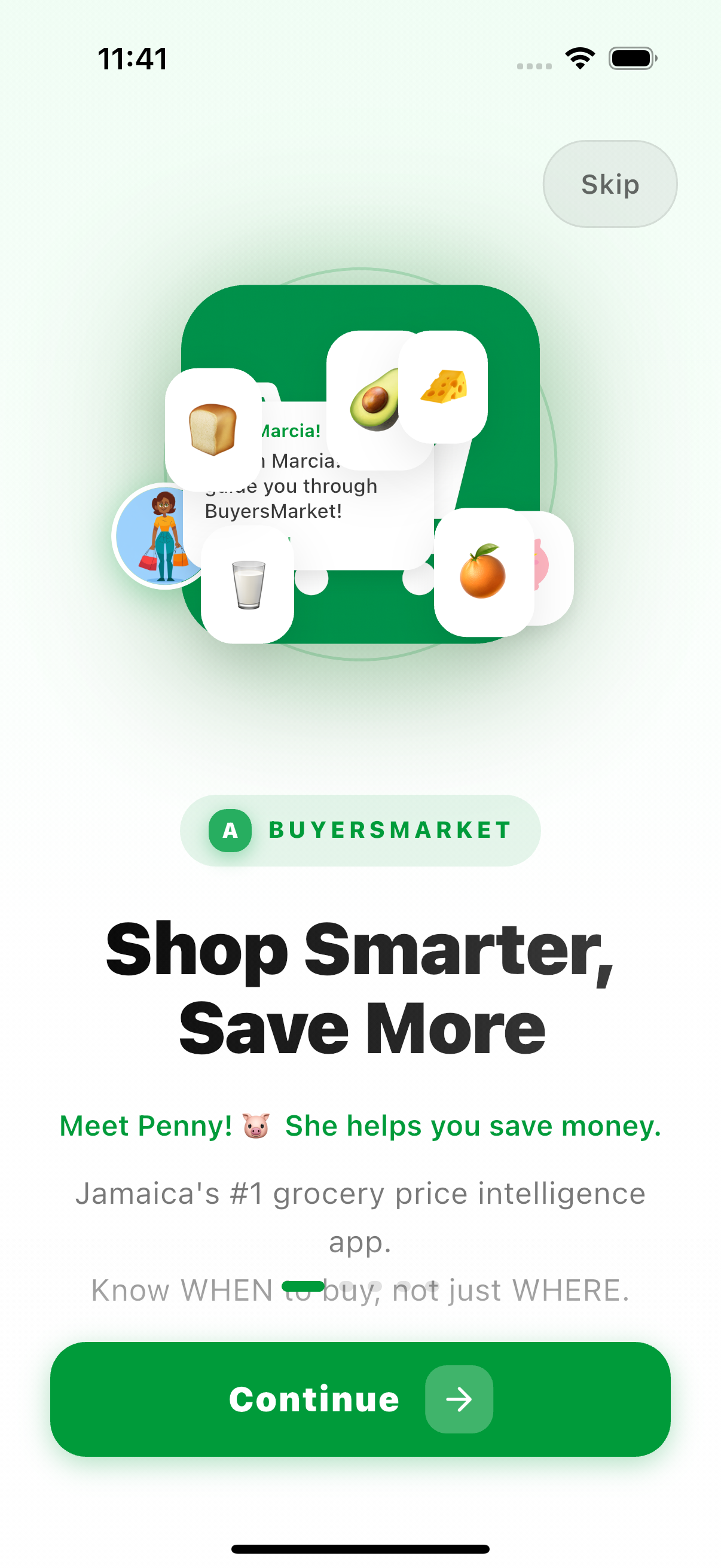
Welcome & Onboarding
"Shop Smarter, Save More" — meet Penny, your savings mascot. Jamaica's #1 grocery price intelligence app.
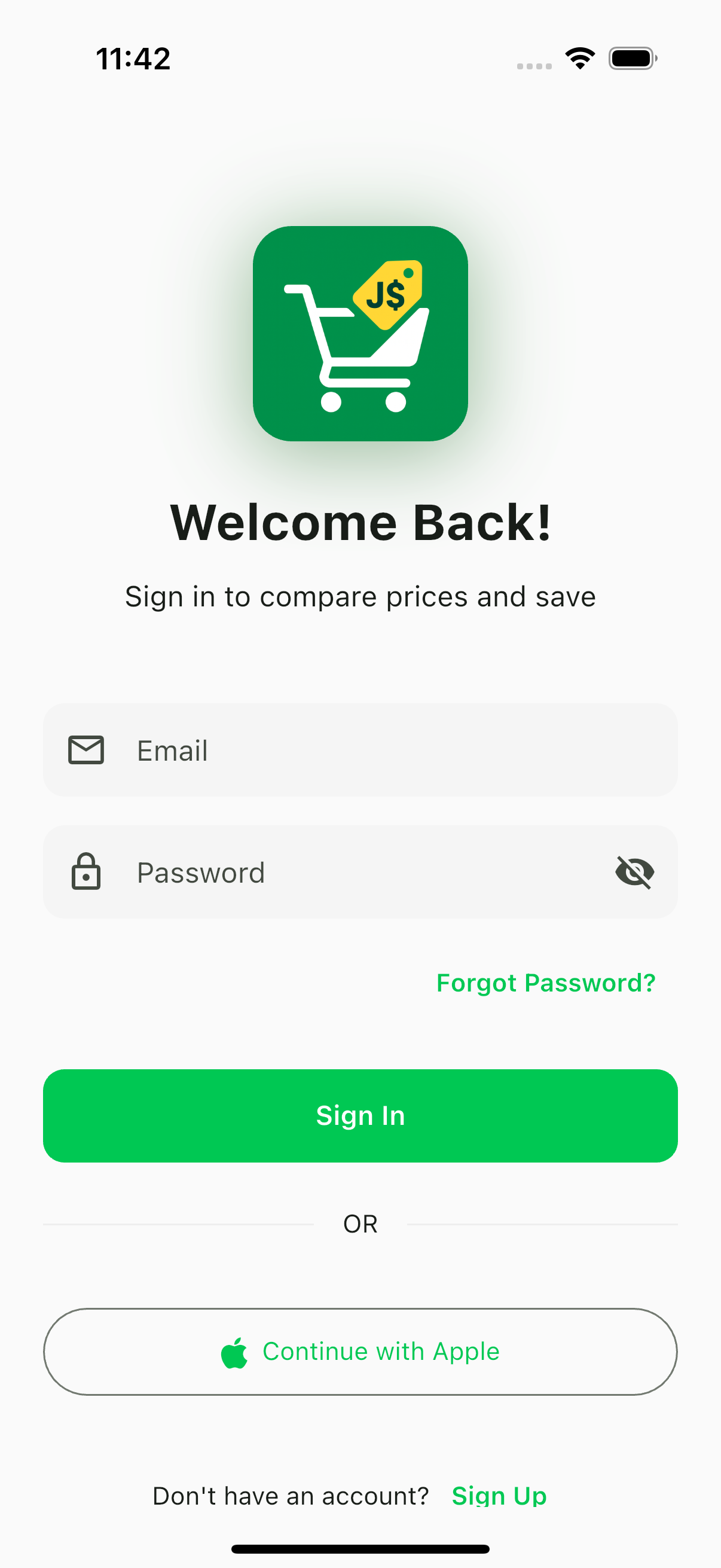
Sign In
Clean login with email/password and Apple Sign-In. Returning users jump straight back to their personalized feed.
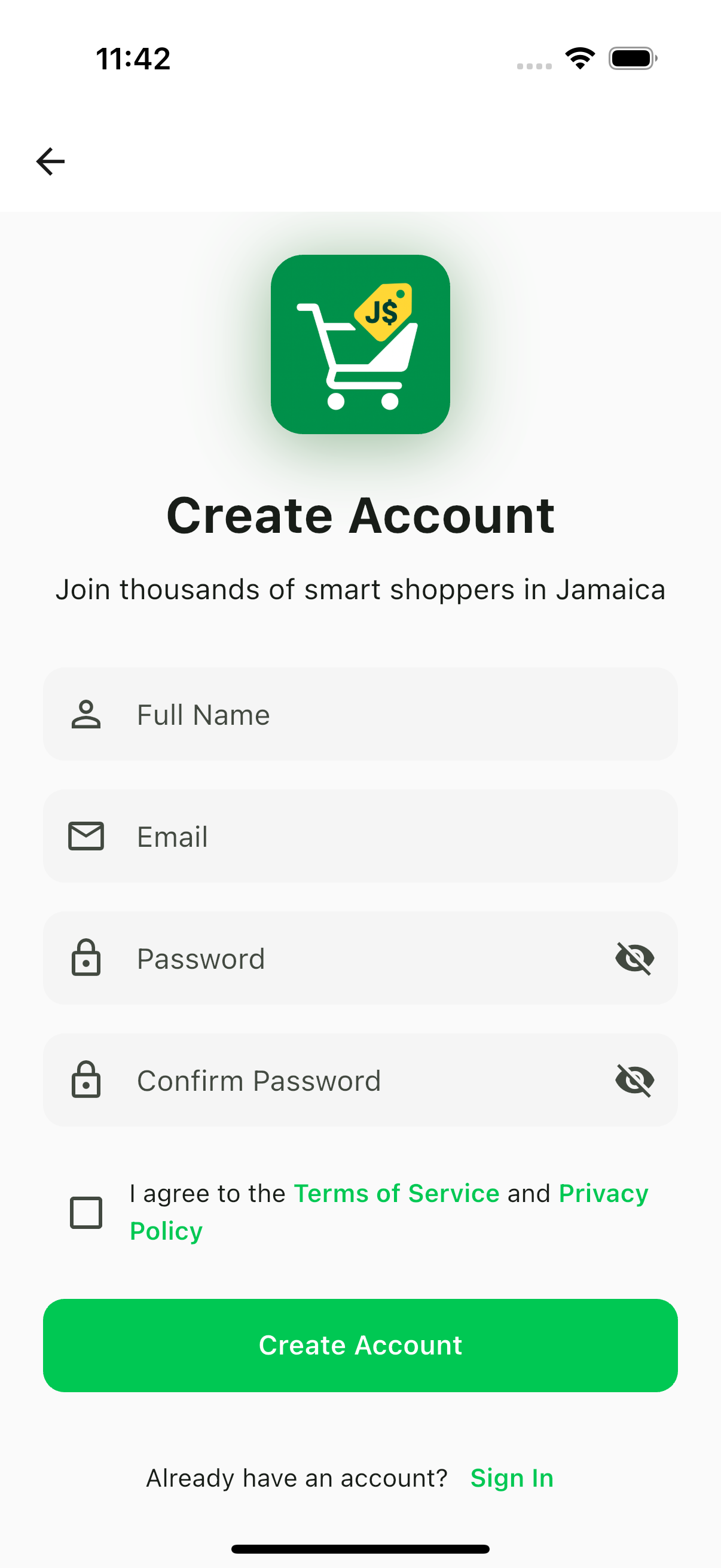
Create Account
Simple registration to join thousands of smart shoppers in Jamaica. Terms of Service and Privacy Policy upfront.
Core Experience
Search, compare, and save — the full BuyersMarket app walkthrough.
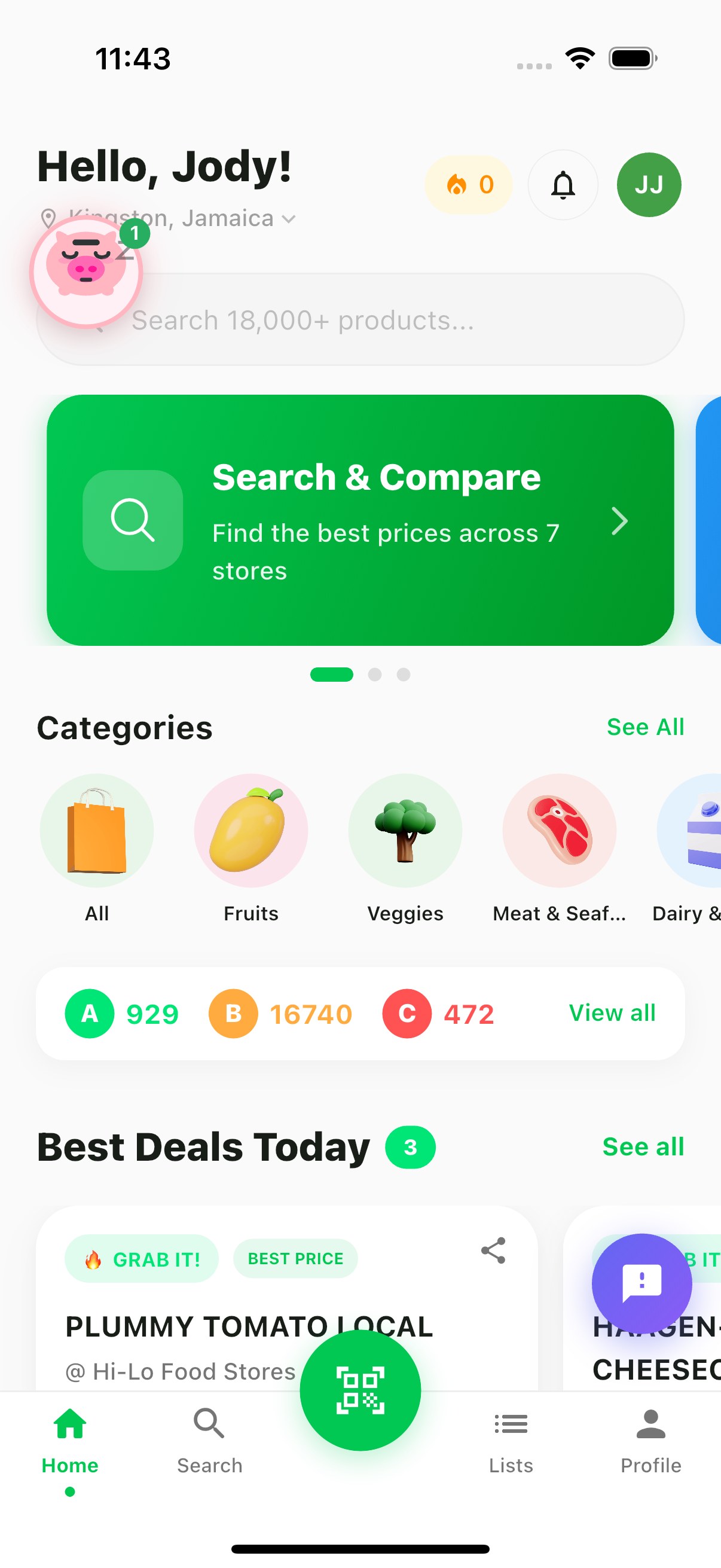
Home Feed
Personalized dashboard with A-B-C price ratings, trending categories, and today's best deals across 16 stores.
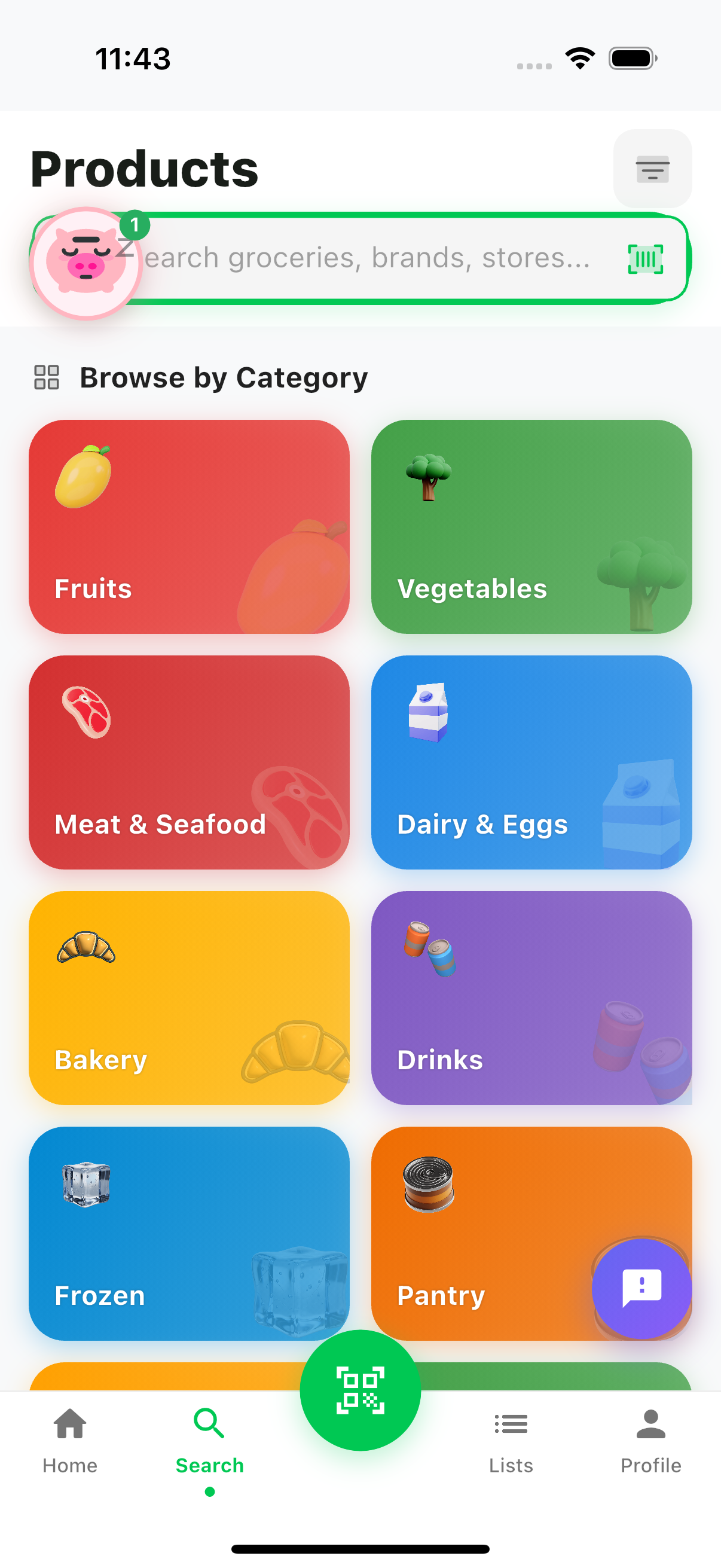
Product Discovery
Browse 37,000+ products by category — Fruits, Vegetables, Meat & Seafood, Dairy, Bakery, Drinks, Frozen, and Pantry.
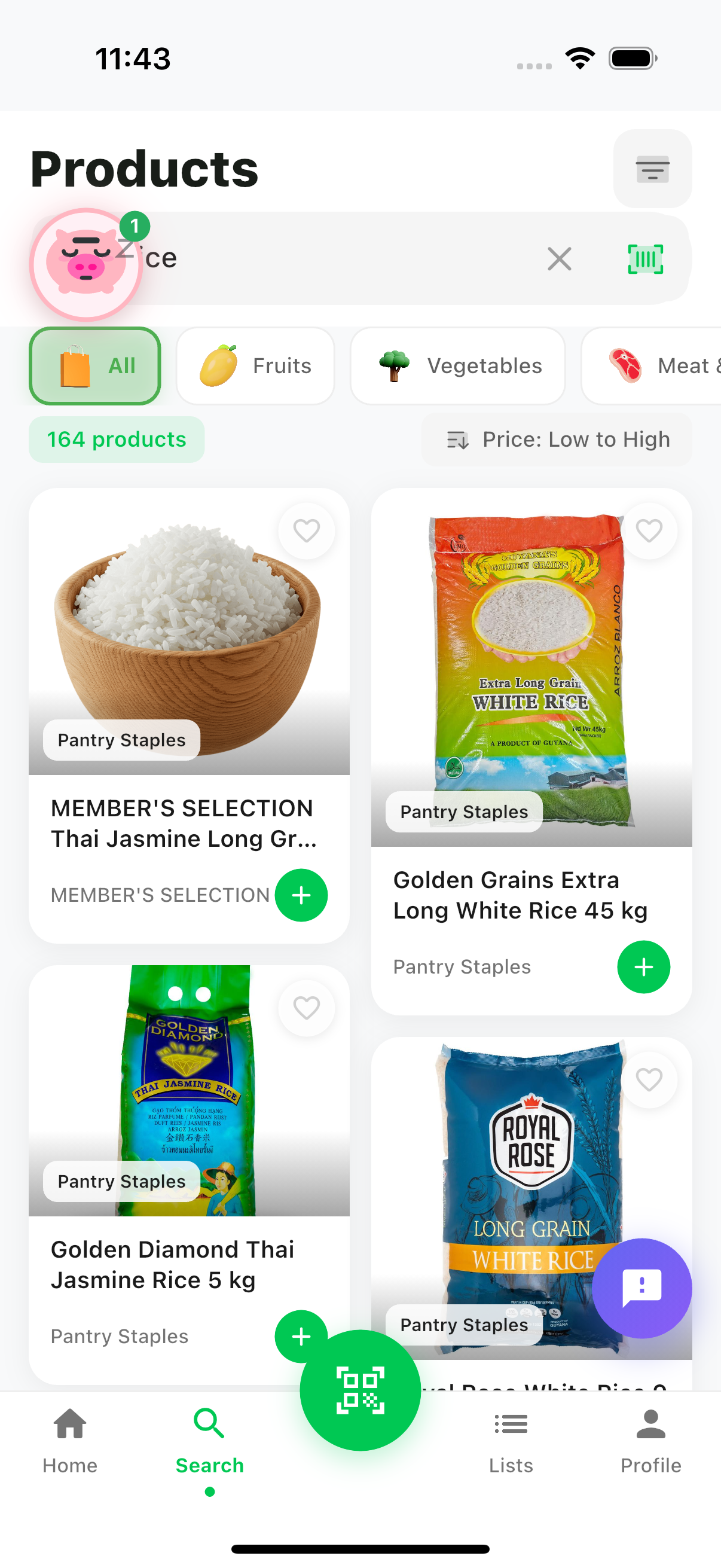
Search Results
Instant search across 37,000+ products with real product images, brand labels, and store-level pricing.
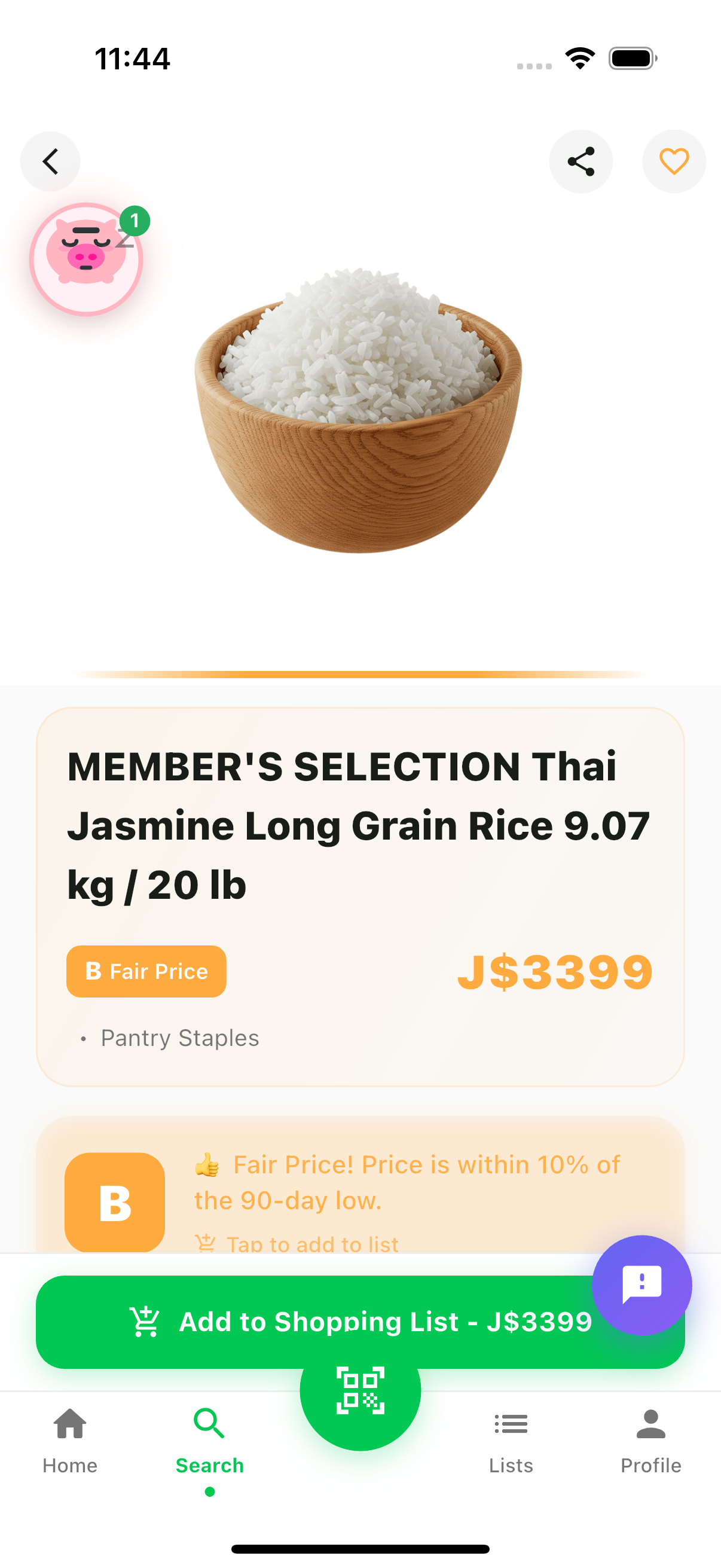
Product Detail & A-B-C Rating
Every product gets a real-time A-B-C grade based on its position relative to the typical price. B "Fair Price" means it's in the normal range — fine to buy if you need it.
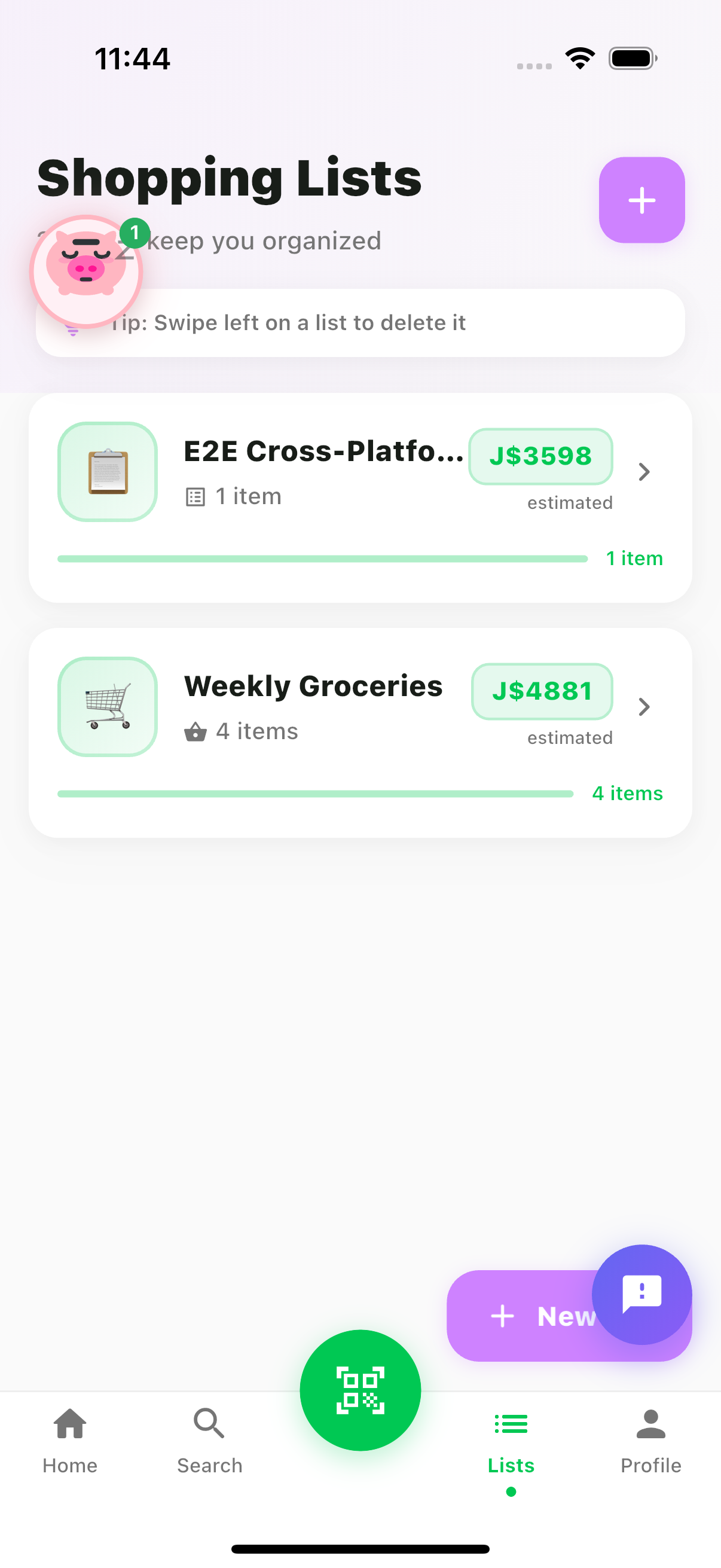
Shopping Lists
Create smart shopping lists with estimated totals in JMD. See your basket cost before you leave the house.
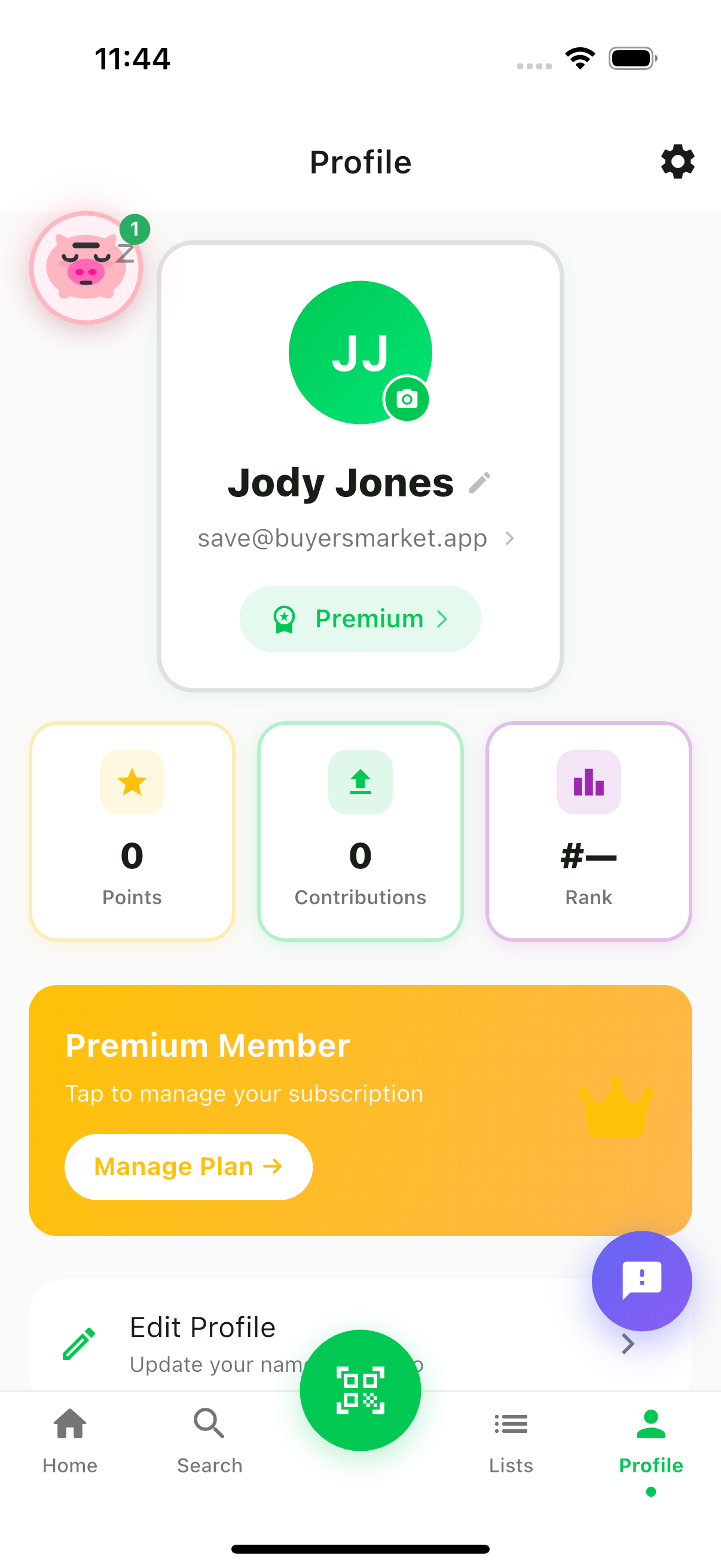
Profile & Gamification
Track your contributions, earn points, and climb the leaderboard. Premium members get advanced analytics and alerts.
The A-B-C Rating System
Every product gets a letter grade based on where its current price sits relative to its typical price. This tells shoppers when to buy — not just where.
Ready to Start Saving?
Download BuyersMarket and never overpay for groceries again.
Usage Guidelines
These screenshots are free for editorial use when covering BuyersMarket.
Editorial Use
Articles, reviews, and news coverage about BuyersMarket
Attribution
Credit as "BuyersMarket" or "BuyersMarket App" when used
No Modification
Do not alter, crop to mislead, or add competing branding