Getting Started with BuyersMarket
Welcome to Jamaica's smartest grocery shopping companion! In just 5 minutes, you'll be ready to save money on every shopping trip. Let's get you set up! ✨
"Yaay! I'm so excited you're here! Let's get you set up so you never overpay for groceries again! Together, we'll save big!"
Estimated Time: 5 minutes
5 simple steps to start saving on groceries
Open the BuyersMarket Dashboard
BuyersMarket is available right now as a web app — no download required. Open the dashboard in any browser on your phone, tablet, or computer.
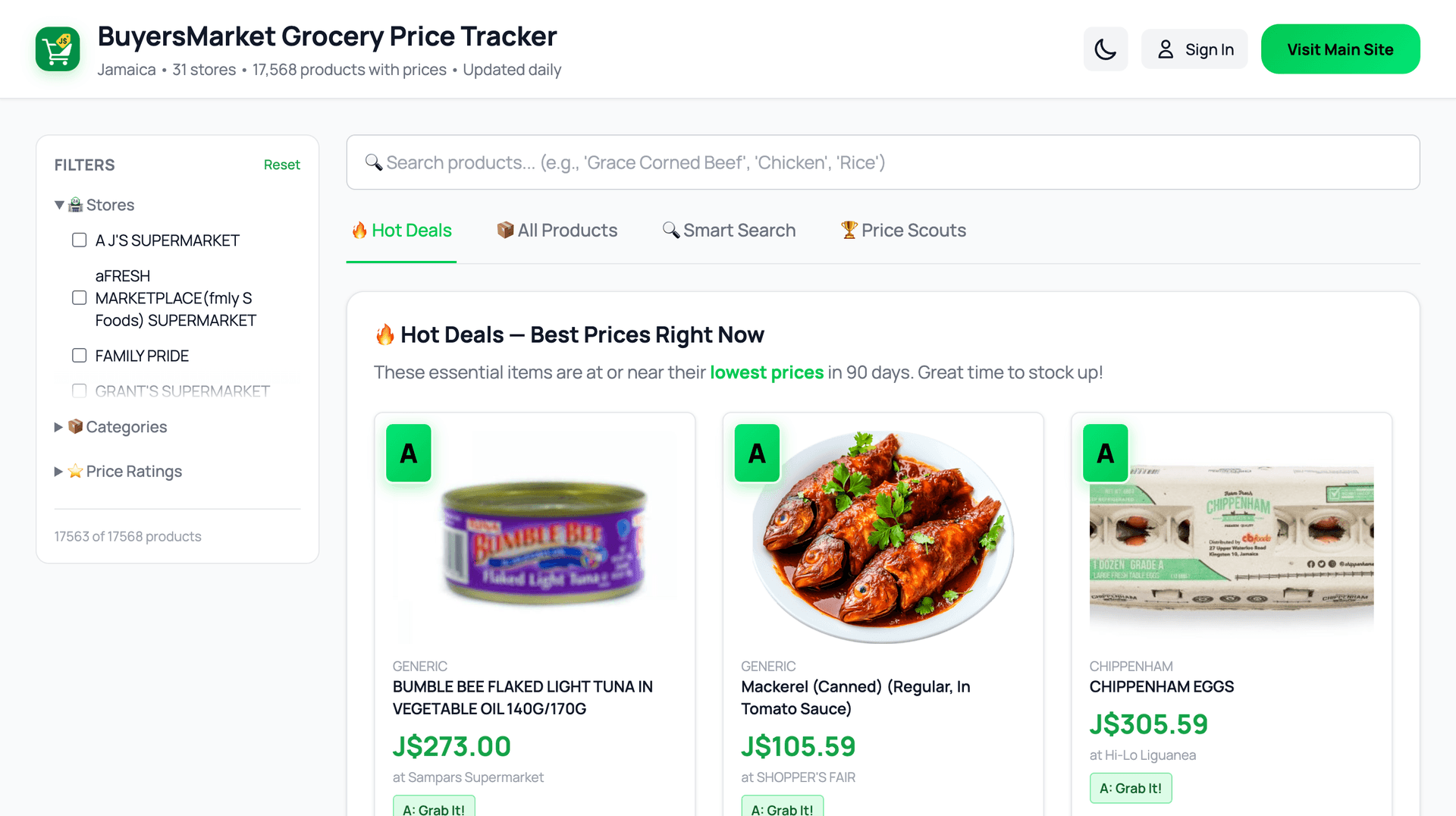
The BuyersMarket dashboard — your starting point for comparing grocery prices
Mobile apps are live! Download BuyersMarket on the App Store or Google Play. Your same account works across web and mobile — one registration gives you access everywhere.

Pro Tip
Bookmark buyersmarket.app/dashboard on your phone's home screen for quick access — it works just like an app!
Create Your Free Account
Click 'Sign In' on the dashboard to open the login modal, then switch to the 'Sign Up' tab to create your account.
Click the Sign In button at the top of the dashboard
In the modal that appears, click the Sign Up tab
Enter your email address and choose a password (minimum 6 characters)
Click Create Account
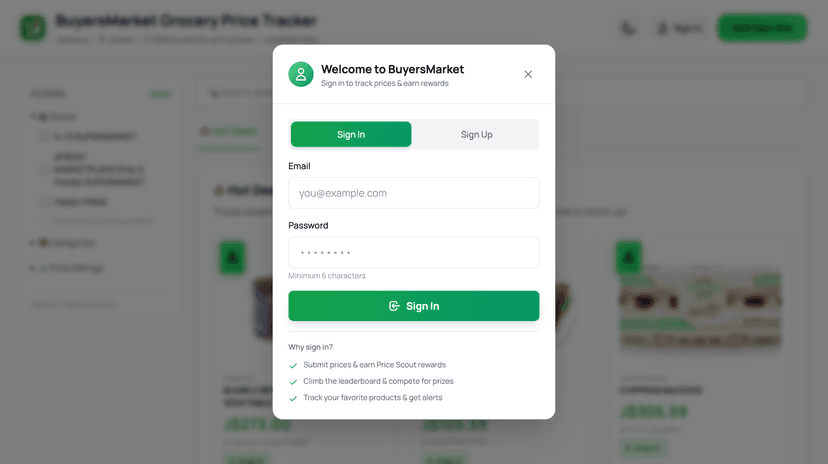
The Sign In modal — click "Sign Up" tab to create an account
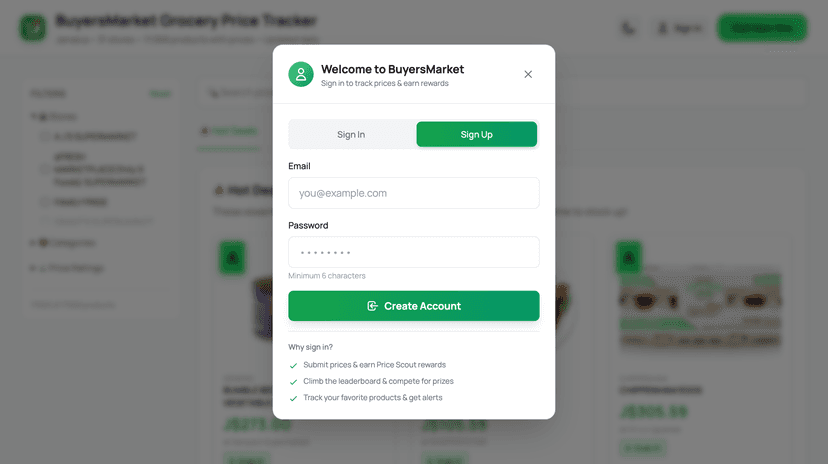
Enter your email and password, then click "Create Account"
What You'll Need:
- ✓Email address (for account recovery)
- ✓Password (minimum 6 characters)
🔑 One Account, All Platforms: Your BuyersMarket account works across the web app and mobile apps. Create it once and use it everywhere.
🔐 Privacy First: We never sell your data. Your email is only used for account recovery and optional price alerts.
Marcia Says
Use your real email - that's how we'll send you alerts when your favorite items drop to A-rating! You don't want to miss those savings!
Explore the Web Dashboard
The dashboard is where the magic happens. It's a powerful tool for browsing prices, searching products, and finding deals.
Smart Search
Search by product name or use plain English queries like "cheapest rice in Kingston".
Price History Charts
See 90 days of price trends to understand when prices rise and fall.
A-B-C Ratings
Every product shows a rating so you know instantly if today is a good time to buy.
You're already on the dashboard from Step 1! Explore the tabs above — Hot Deals, All Products, Smart Search, and Price Scouts.
Make Your First Search
Now for the fun part! Let's find out if your grocery items are at good prices.
Go to the Dashboard at buyersmarket.app/dashboard
Use the search bar to type a product name (e.g., "Grace Coconut Milk" or "Rice")
Look for the A-B-C rating badge next to each result
Click a product to see the full 90-day price history chart
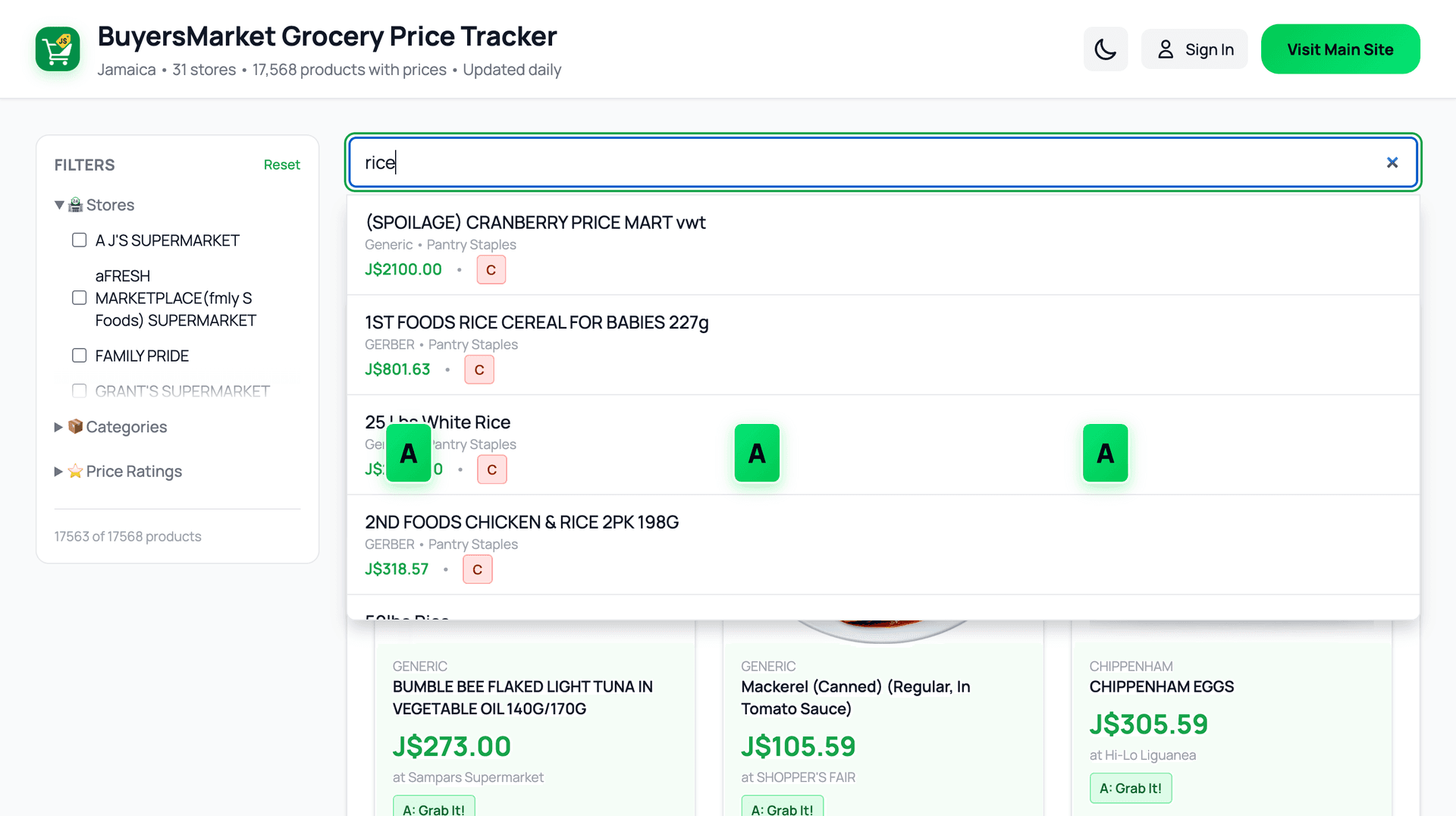
Search results for "rice" — each product shows its A-B-C price rating
🎯 Try This Now!
Search for "Grace Coconut Milk" - it's one of the most price-volatile items in Jamaica. See how the A-B-C rating helps you decide if now is a good time to buy!
Discover Key Features
The web dashboard is packed with tools to help you save money. Here's what you'll find:
🔥 Hot Deals
Products currently at A-rating. Best time to buy!
🔍 Smart Search
Search by product name or ask questions in plain English.
📊 Price History
90-day price trends to see the best time to buy.
🏪 Store Comparison
Compare prices across all 16 stores at a glance.
🎉 You're All Set!
Congratulations! You've completed the setup. Now you're ready to start saving money on every grocery trip!
⚠️ Common Mistakes to Avoid
Ignoring B-Ratings
B doesn't mean bad! If you need an item now, B-rating is still a fair price. Don't wait forever for an A if you're out of stock.
Not Checking the Dashboard Regularly
Prices change daily! Make it a habit to check the dashboard before your weekly shop to catch A-rated deals.
Only Comparing Price, Not Timing
A product might be cheapest at Store A today but could drop at Store B next week. Use the price history charts to spot trends!
🎉 You're All Set!
Now that you're ready, explore these features next:
Still Need Help? 🤔
Our team is here to help you get the most out of BuyersMarket. Reach out anytime!