Your Flyer, Where Shoppers Decide
Two ways for a supermarket chain to reach shoppers in the BuyersMarket app and web app, both from In-app flyers in your retailer account.
Two products
Flyer prices (free)
Upload this week's flyer. We read its prices, you check them, and they show to shoppers for the sale dates, rated A-B-C. Free for every grocery chain.
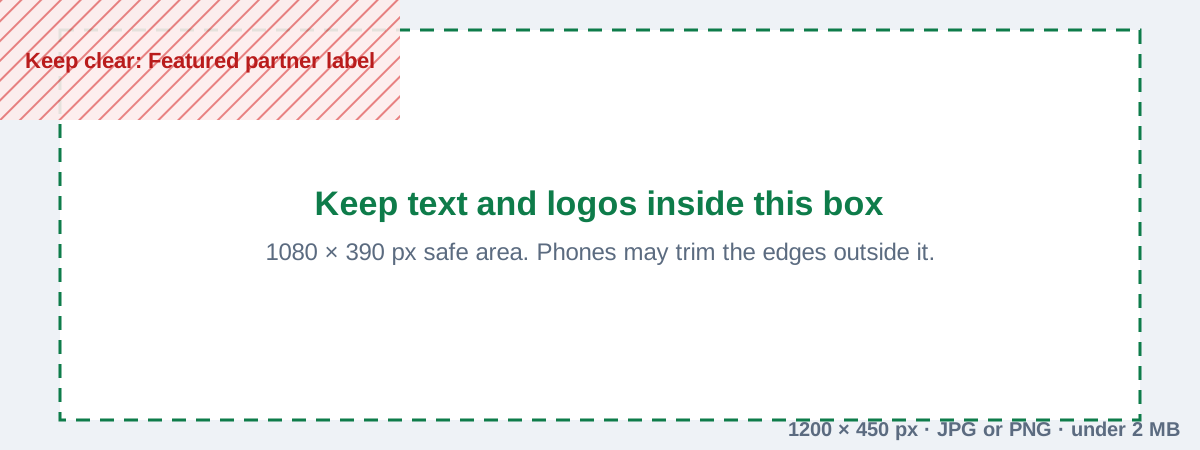
Featured partner banner
Your flyer's cover at the top of the app's Home screen for a week, labelled Featured partner. Tapping it opens your "This week at" deals page.
Publish your flyer prices
Open In-app flyers → Flyer prices.
- 1
Upload the flyer
A PDF or photos of the pages (up to 12), with the first and last day of the sale.
- 2
Check what we read
We read every printed price and match each item to one we track. Lines are grouped: matched items ready to publish; items where more than one fits, so you pick; lines with no price we could read; items new to BuyersMarket, which we add when you publish; and offers that cover several items (“all flavours”), which aren't published as one price. Fix or skip any line.
- 3
Publish
Prices go live on the first day of the sale and end after the last. A price far from the item's usual price is checked by us first, usually within a day.
- 4
Take back a price if you need to
Withdraw any line during the sale and your regular price shows again.
Published prices are shown to shoppers like any store price and appear in other chains' dashboards. If we check your stores every day, your flyer price replaces your shelf price for the sale dates, so it counts in shoppers' lists and best-store results. Otherwise it shows on your deals page.
Questions about flyers and promotions
What does a banner campaign cost?
Can BuyersMarket design the banner?
Do I need a Retailer Dashboard plan?
Does a banner improve our ratings or search position?
How many banners run at once?
What counts as a view and a tap?
Can I publish a "2 for J$500" offer?
🎉 Keep Going
Related guides:
Ready to start? Email save@buyersmarket.app or sign in.
Still Need Help? 🤔
Our team is here to help you get the most out of BuyersMarket. Reach out anytime!